Clear ideas with a curious touch.

Tag: html

  • exploring bootstrap

    exploring bootstrap

    Website: Project Two

    The Problem.

    We already know that the foundation of web development boils down to the basic understanding of HTML and CSS. So, what happens when you introduce structure, templates, and pre-fab features you can easily copy and paste into your code? Enter Bootstrap.

    Hand-coding a website is cumbersome, but when you have a front-end framework at your disposal, it makes the process from conception to deployment incredibly quick. Bootstrap is mobile-first and responsive, and includes packages for JavaScript that provide virtually endless arrangements of design and animation.

    My goal for this project was to learn Bootstrap and use the framework to expand my knowledge of HTML, CSS, and JavaScript.

    The Solution.

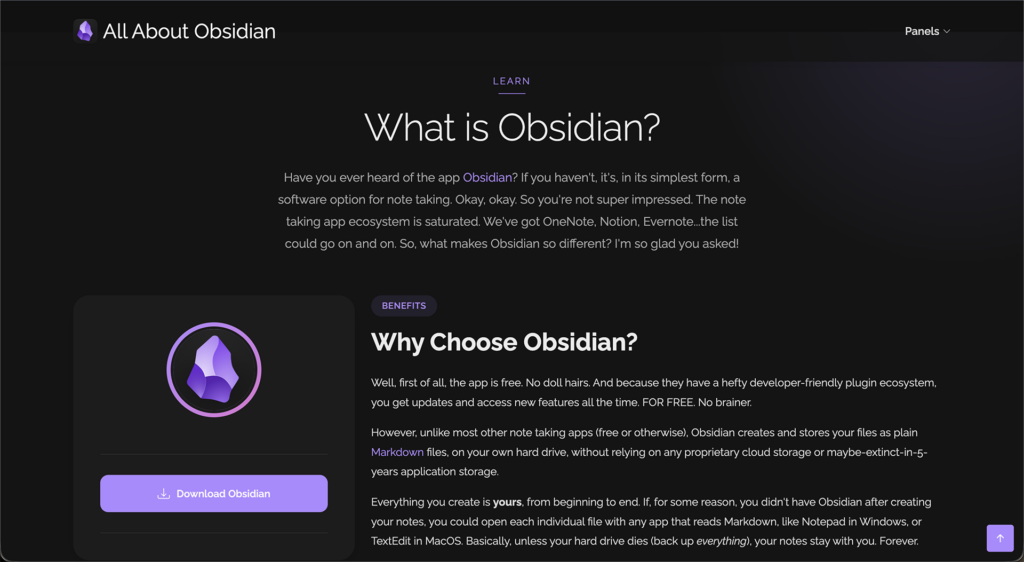
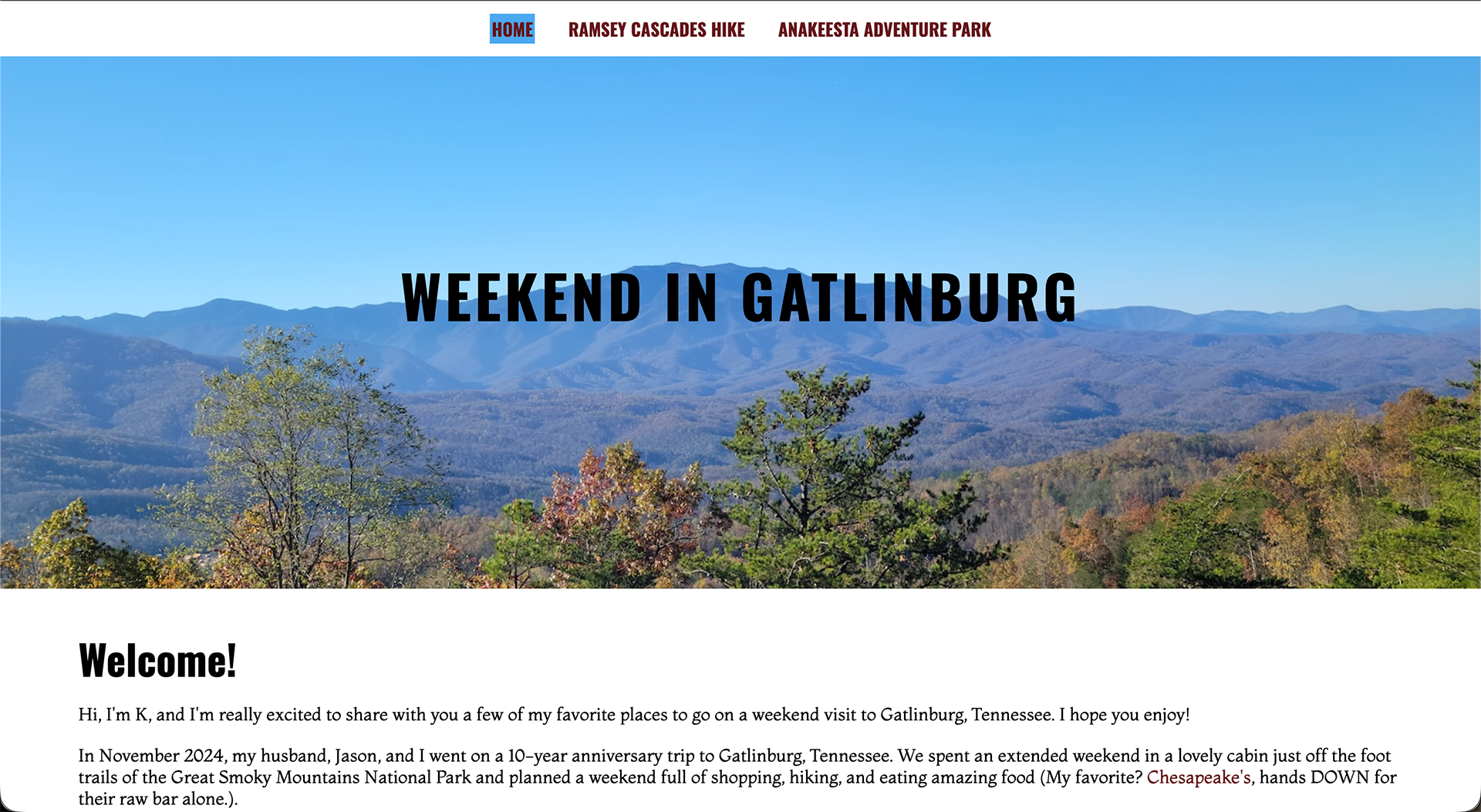
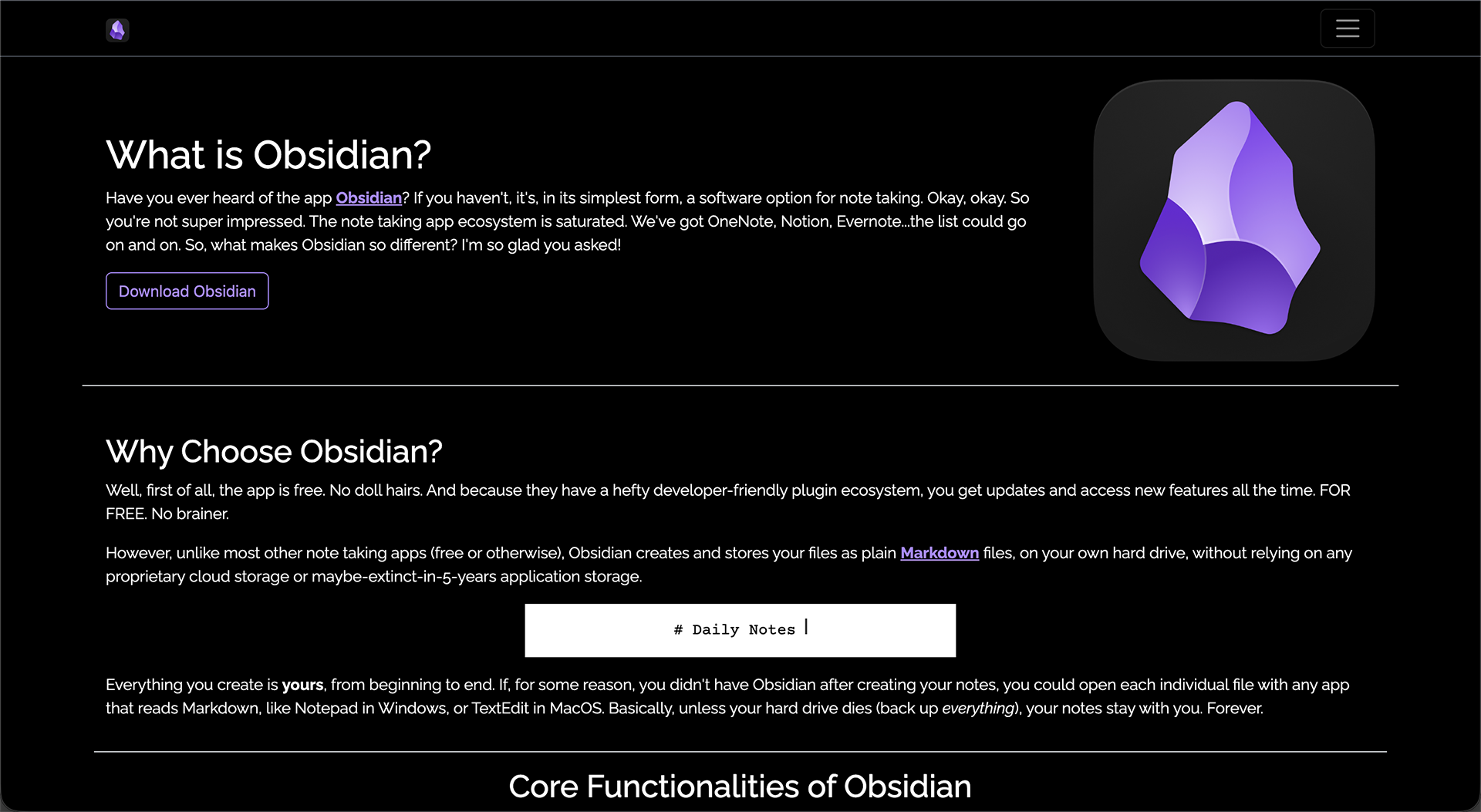
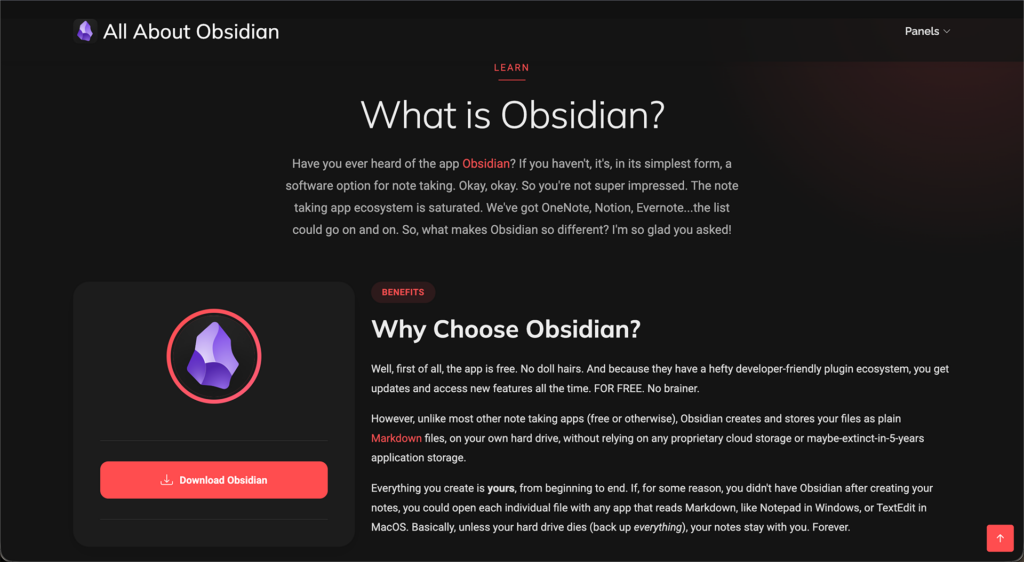
    Using Cyberduck, Visual Studio Code, and the Bootstrap framework, I developed three panels of the same website as a visual progression of the capabilities of Bootstrap: a hand-coded page using HTML, CSS, and JavaScript; a Bootstrap template using the same content as panel one with no custom CSS; and the same Bootstrap template using custom CSS to match the original website’s look and feel.

    The Curiosities.

    • JavaScript animation of typed out code
    • Conversational storytelling with personality
  • hand-coded html website

    hand-coded html website

    Website: Project One

    The Problem.

    The foundation of web development boils down to the basic understanding of HTML, CSS, and JavaScript. Not knowing how these function together leads to chaos down the road.

    How do I make the font bigger or smaller than the default sizes?

    Why isn’t the navigation bar responsive to a smaller screen?

    How in the world do I create a parallax effect?

    Sure, you could build a website using a popular CMS like Squarespace or Wix without having to code at all. And it’s probably going to turn out great! But, you’re really limited to the themes and customizations they give you on the surface. And if you end up having super-specific questions, knowing how to examine the code of the website and knowing what to search for will inevitably set you on the right path.

    And that, my friends, is why this project exists. I built this hand-coded website as a way to learn how HTML and CSS work together to create an accessible, responsive website.

    The Solution.

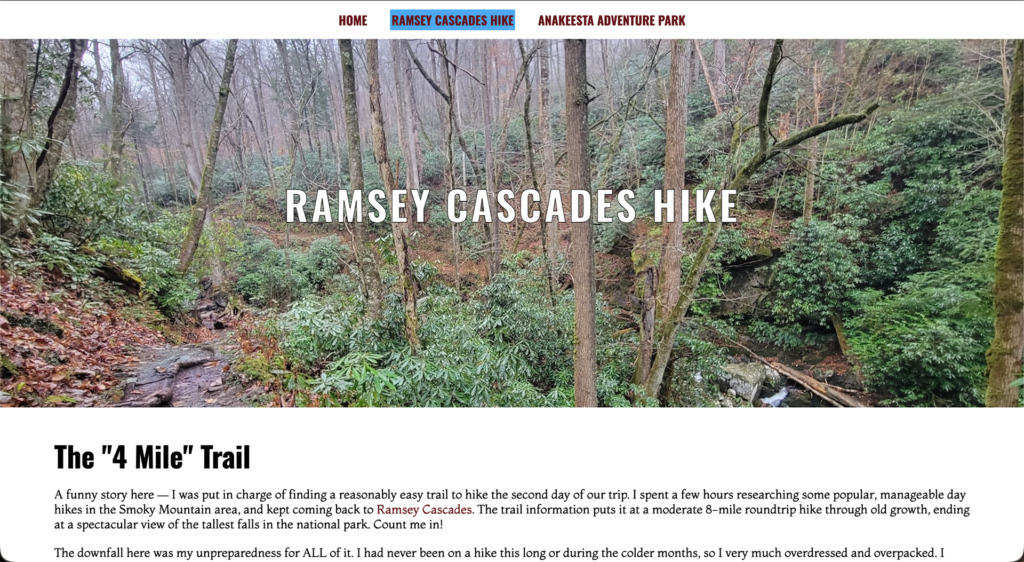
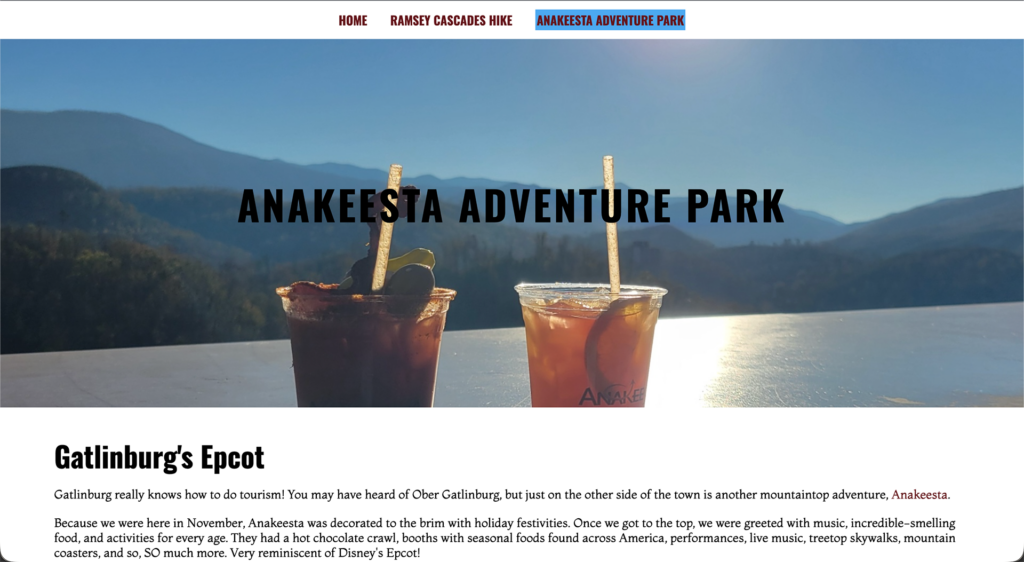
    Using only Cyberduck and Visual Studio Code, I hand-coded HTML and CSS files to build a three-page website that is aesthetically designed while still being responsive and accessible under WCAG standards.

    The Curiosities.

    • Sticky navigation bar
    • Parallax scrolling
    • Tree cursor
    • Personal storytelling