Project Two Reflection
Panel One
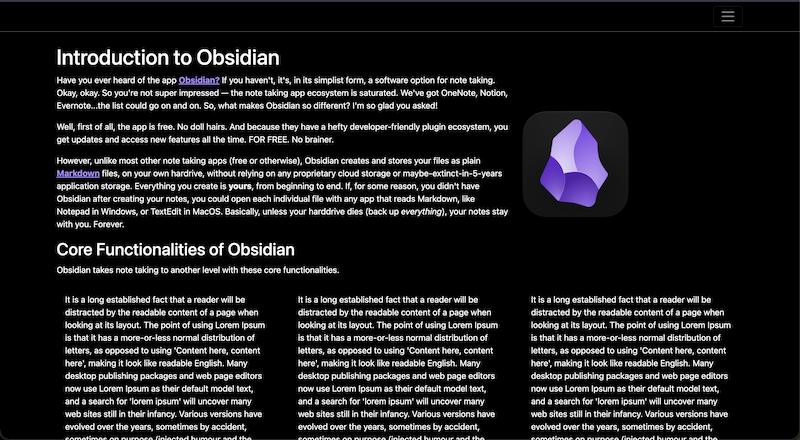
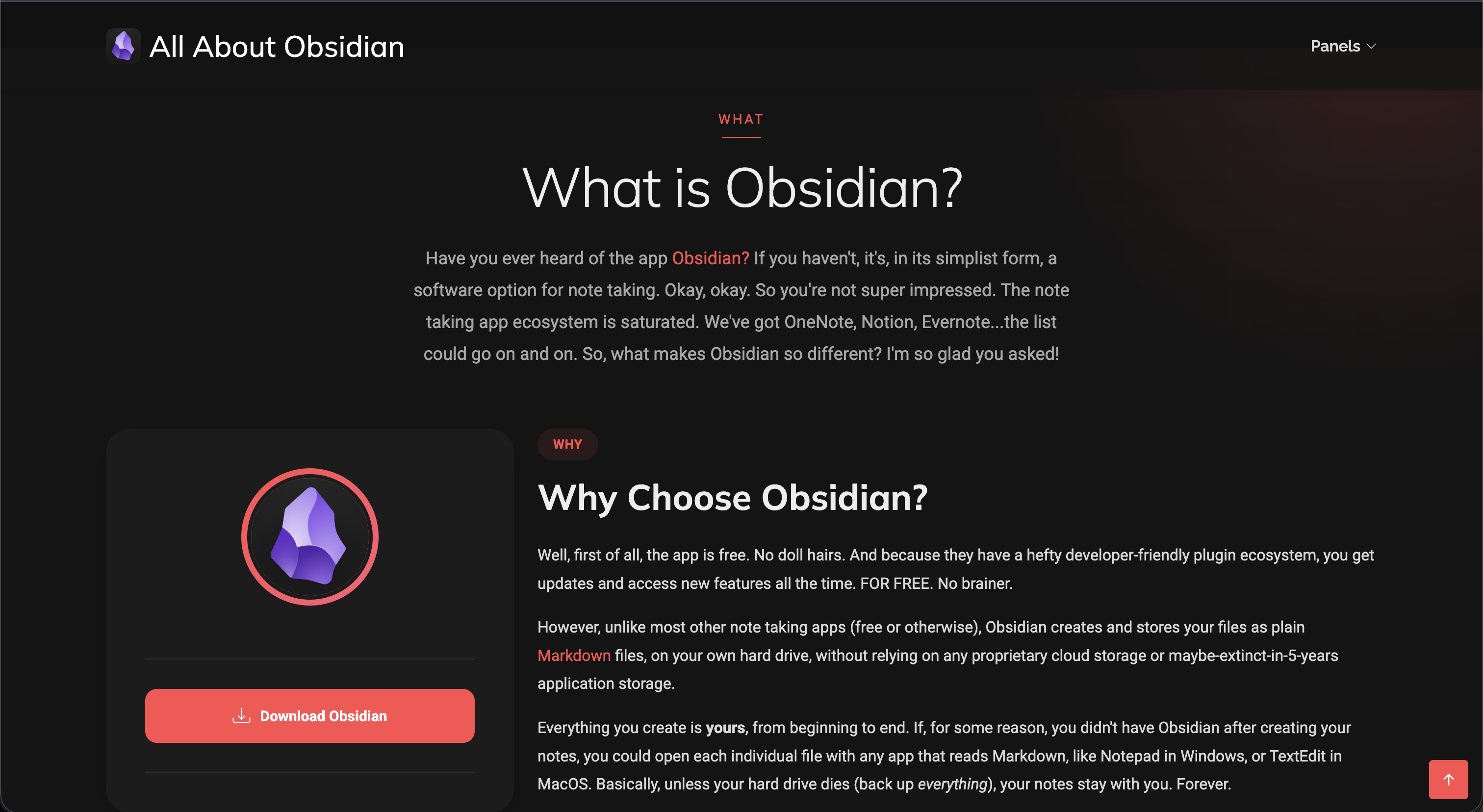
For this project, I wanted to create a webpage that explained the note taking app Obsidian. I recently started using it for everything in my life, including work, grad school, and personal life, and I've absolutely fell in love with it. I felt like it would be a really fun opportunity to create a page that explains the benefits of the app and why someone would choose to use it over all the other apps available.
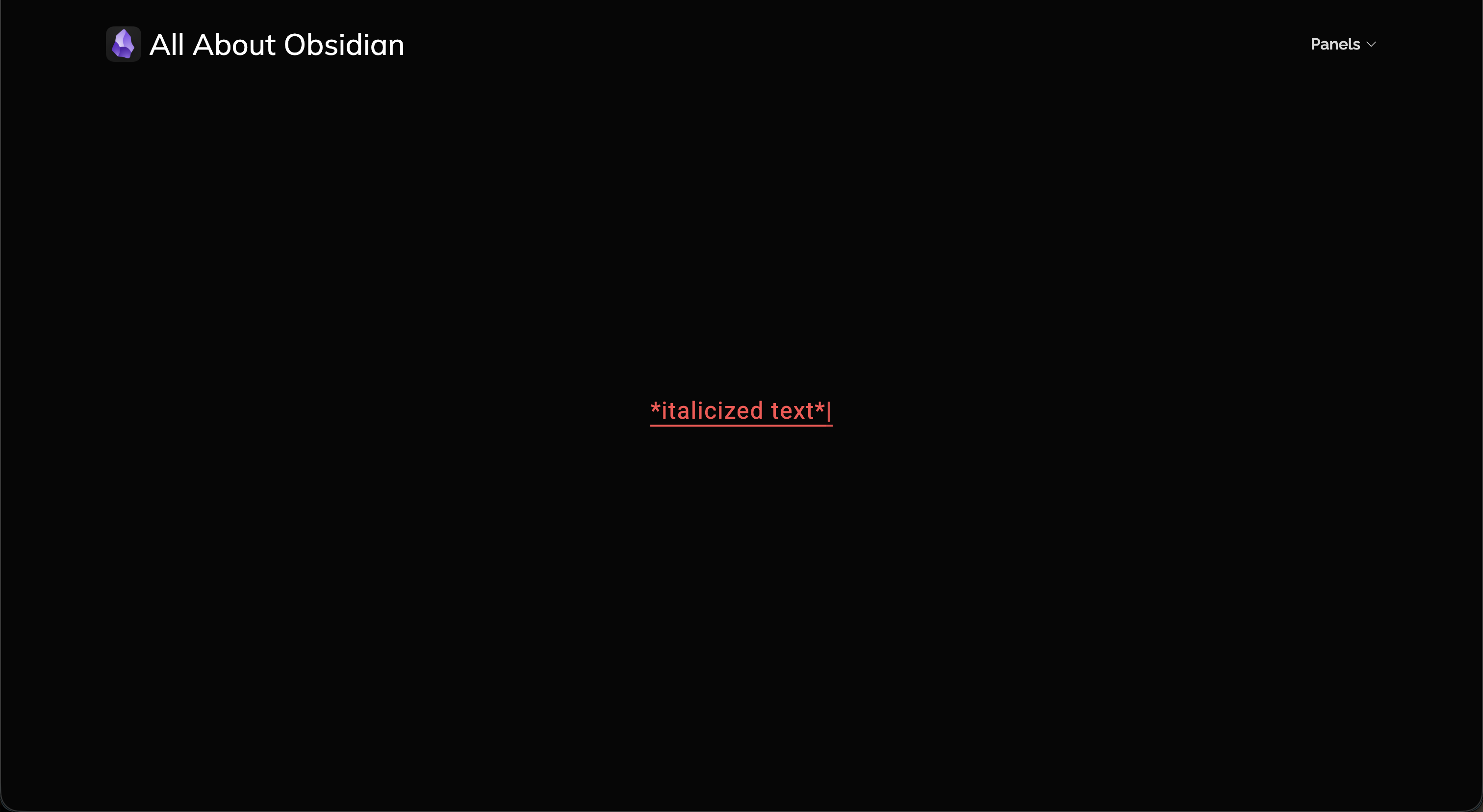
One of the biggest things I struggled with on this panel was figuring out how to create the typing animation with javascript. I wanted to do something fun and creative, and it took a lot of Googling and trial and error to get it where I wanted. Ultimately, I am really happy with the way it turned out! I also had a little trouble figuring out how to do a media query for the Obsidian image (and still am getting comfortable with understanding fully how to use them), but this, too, I am happy with.
And, before I go on to Panel Two, let me just say...I think Bootstrap has been my favorite part of this class so far. It's so useful and easy to piece together, and fun to figure out!
Panel Two
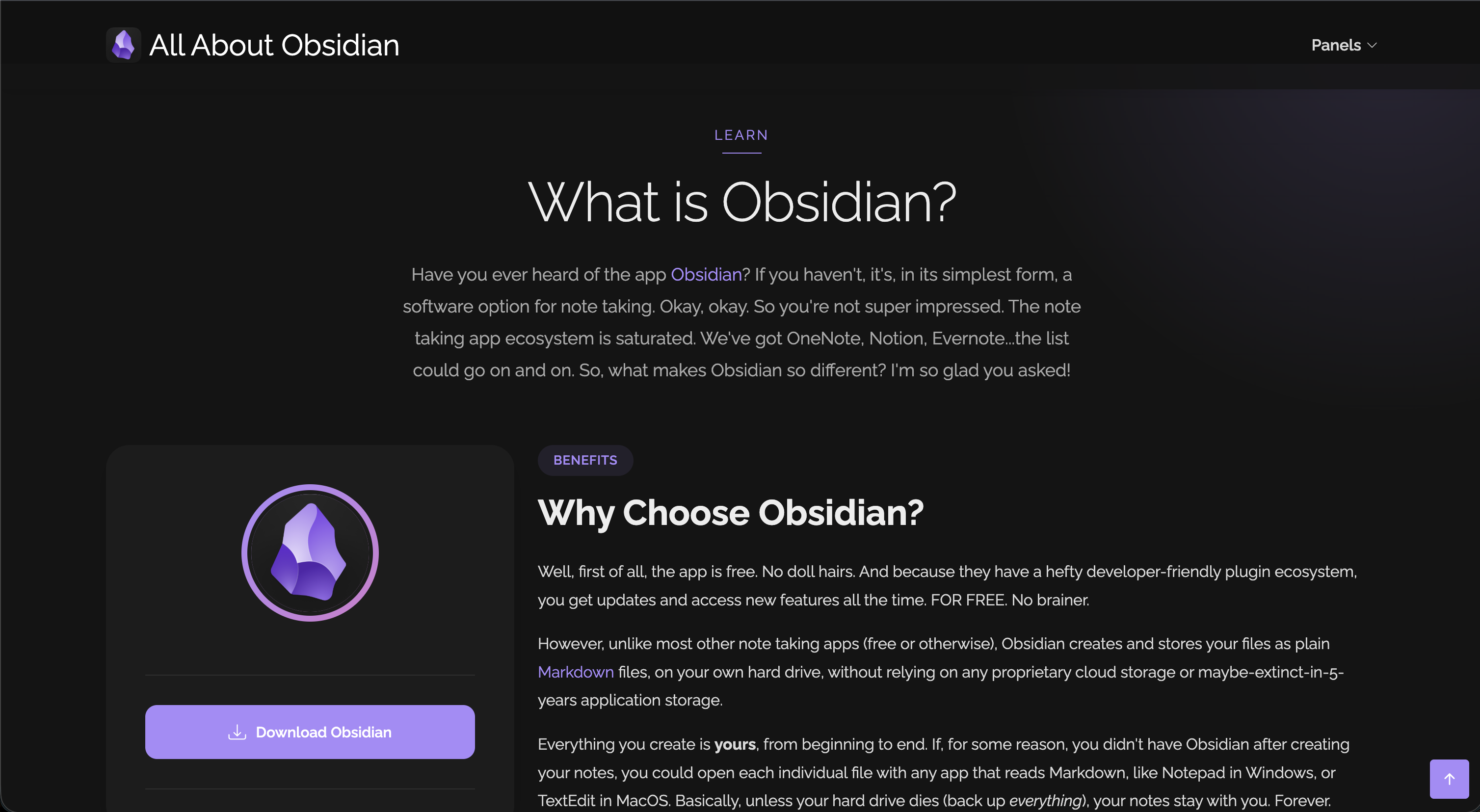
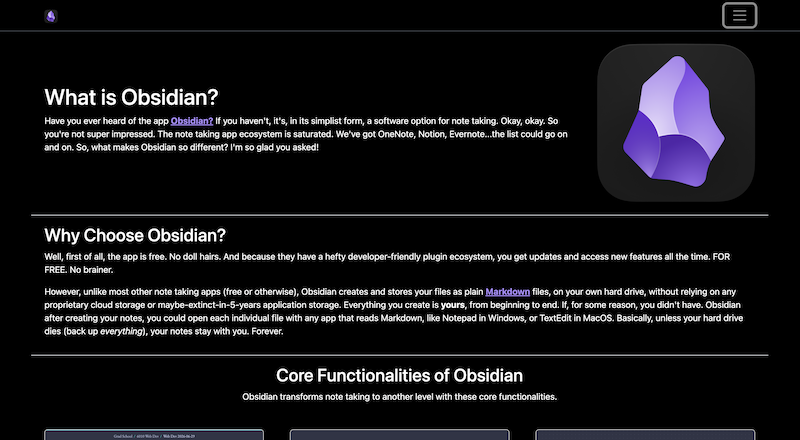
I spent a LOT of time looking for a theme that would match the vision I had for this website. I was most worried about the typing animation. Because I spent a lot of time working on the custom javascript, I really wanted to find a theme that could carry over the fun. When I tell you I audibly screamed when I came across this theme! I needed to do a little bit of rearranging to make the theme make sense, but with the layout, I think it works better.
On this panel, I struggled most with figuring out what to keep and what to remove, and how to adapt what I wrote for what exists in the theme. I really appreciated the comments in the html file, because it made it incredibly easy to know what ended where and what exactly I needed to modify for my content.
Panel Three
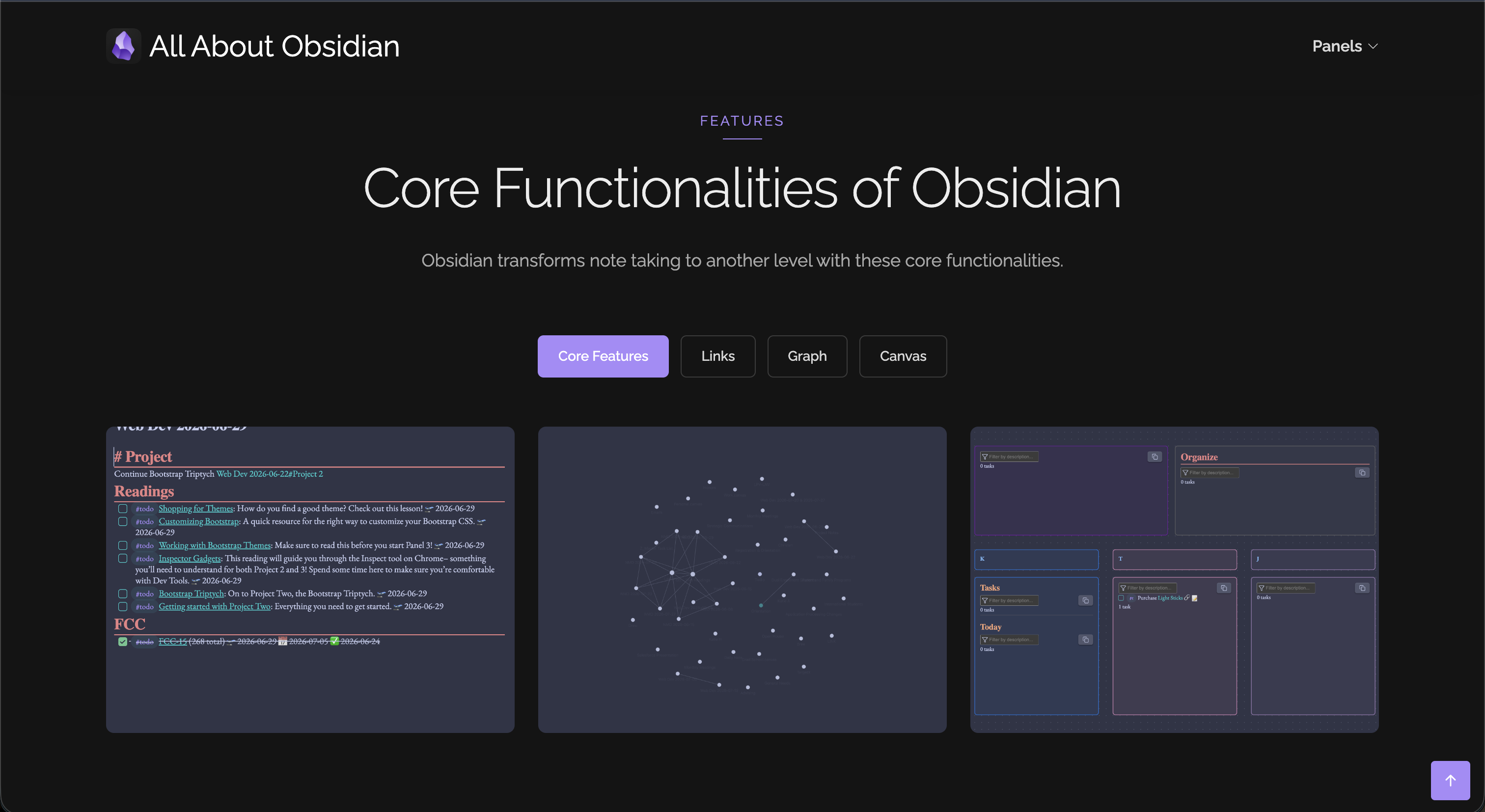
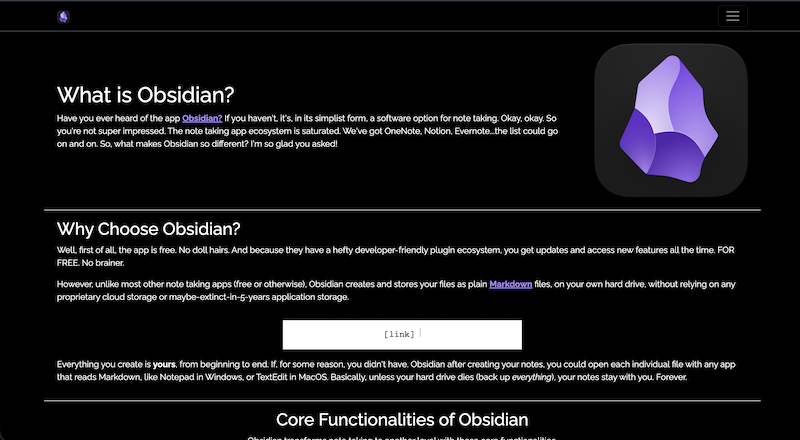
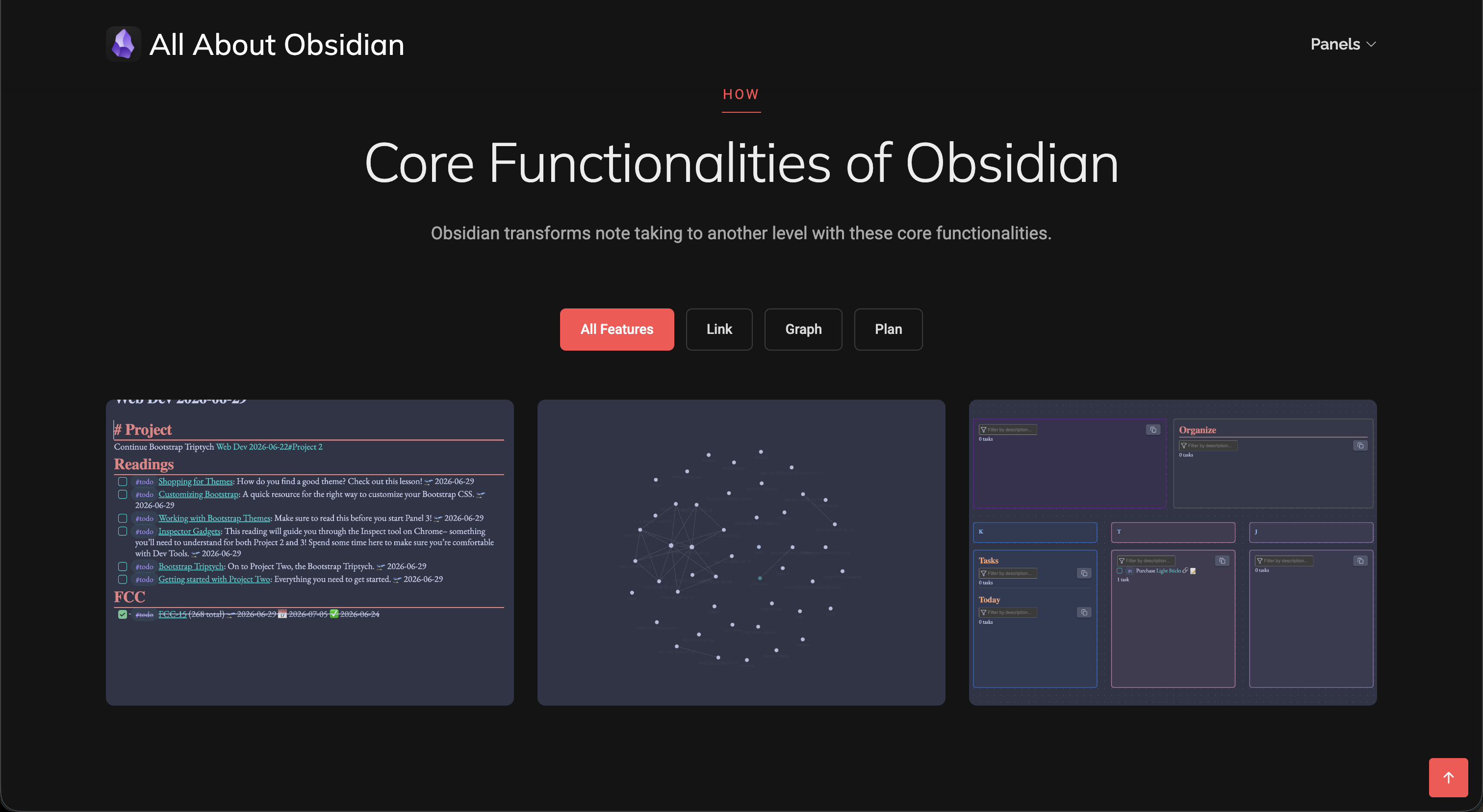
This panel I felt was suspiciously the easiest of three to do. Because the format was already the way I wanted, and the theme matched almost identically to what I wanted from panel one, the only thing I had to change were the root colors, install some fonts, and update those tags. After doing that, everything looked exactly the way I wanted...which seemed way too easy.
Overall, I am happy with how this project progressed, and how it taught me how basic html and css helps inform how Bootstrap works. It also made me appreciate Bootstrap that much more, as well as building websites from scratch using nothing but html and css. I can't wait to get into WordPress and the final project!