What is Obsidian?
Have you ever heard of the app Obsidian? If you haven't, it's, in its simplest form, a software option for note taking. Okay, okay. So you're not super impressed. The note taking app ecosystem is saturated. We've got OneNote, Notion, Evernote...the list could go on and on. So, what makes Obsidian so different? I'm so glad you asked!
Download Obsidian
Why Choose Obsidian?
Well, first of all, the app is free. No doll hairs. And because they have a hefty developer-friendly plugin ecosystem, you get updates and access new features all the time. FOR FREE. No brainer.
However, unlike most other note taking apps (free or otherwise), Obsidian creates and stores your files as plain Markdown files, on your own hard drive, without relying on any proprietary cloud storage or maybe-extinct-in-5-years application storage.
Everything you create is yours, from beginning to end. If, for some reason, you didn't have Obsidian after creating your notes, you could open each individual file with any app that reads Markdown, like Notepad in Windows, or TextEdit in MacOS. Basically, unless your hard drive dies (back up everything), your notes stay with you. Forever.
Core Functionalities of Obsidian
Obsidian transforms note taking to another level with these core functionalities.
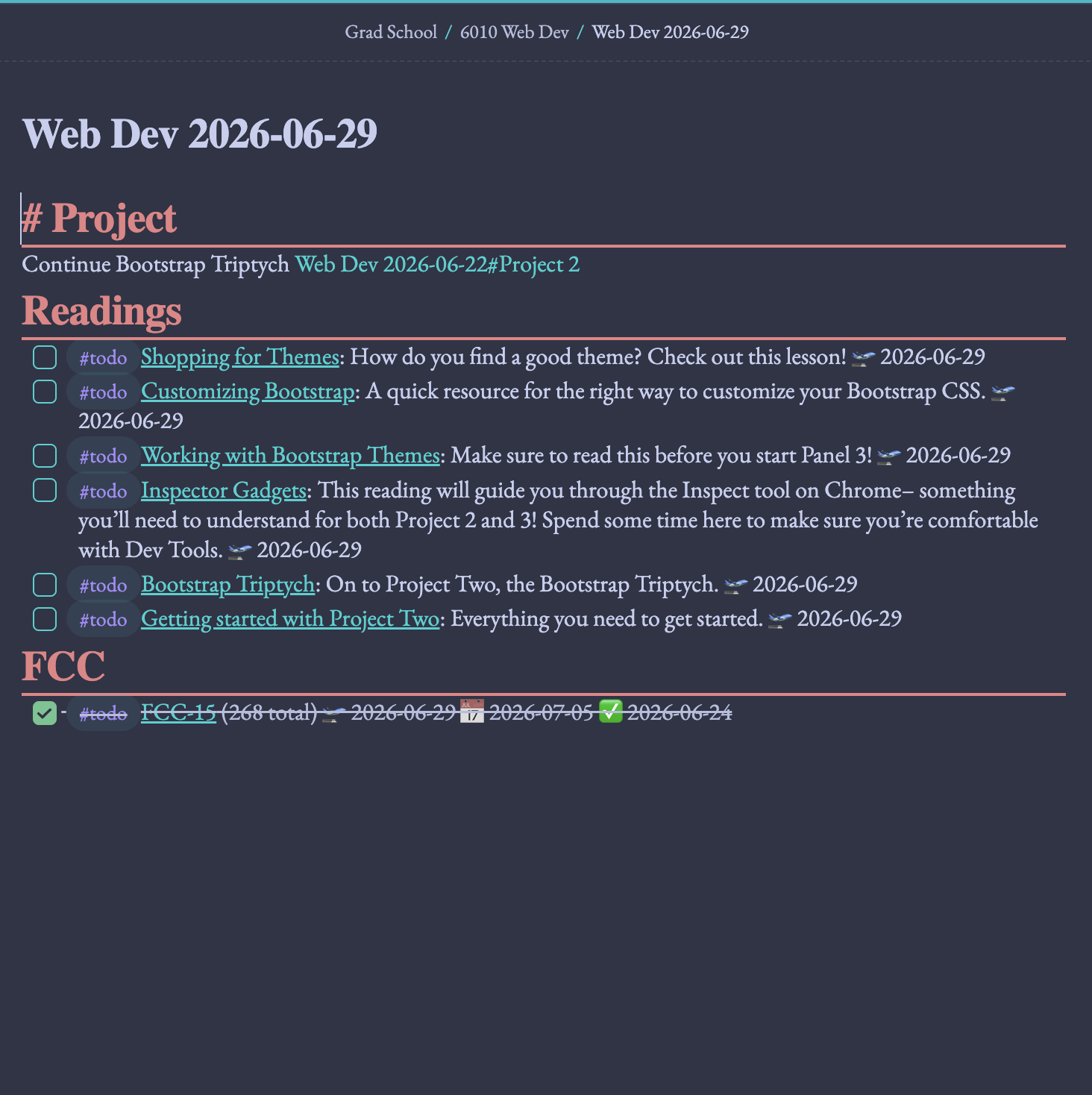
Links
Link anything and everything, including external links and internally between other notes, making referencing things easy and seamless.
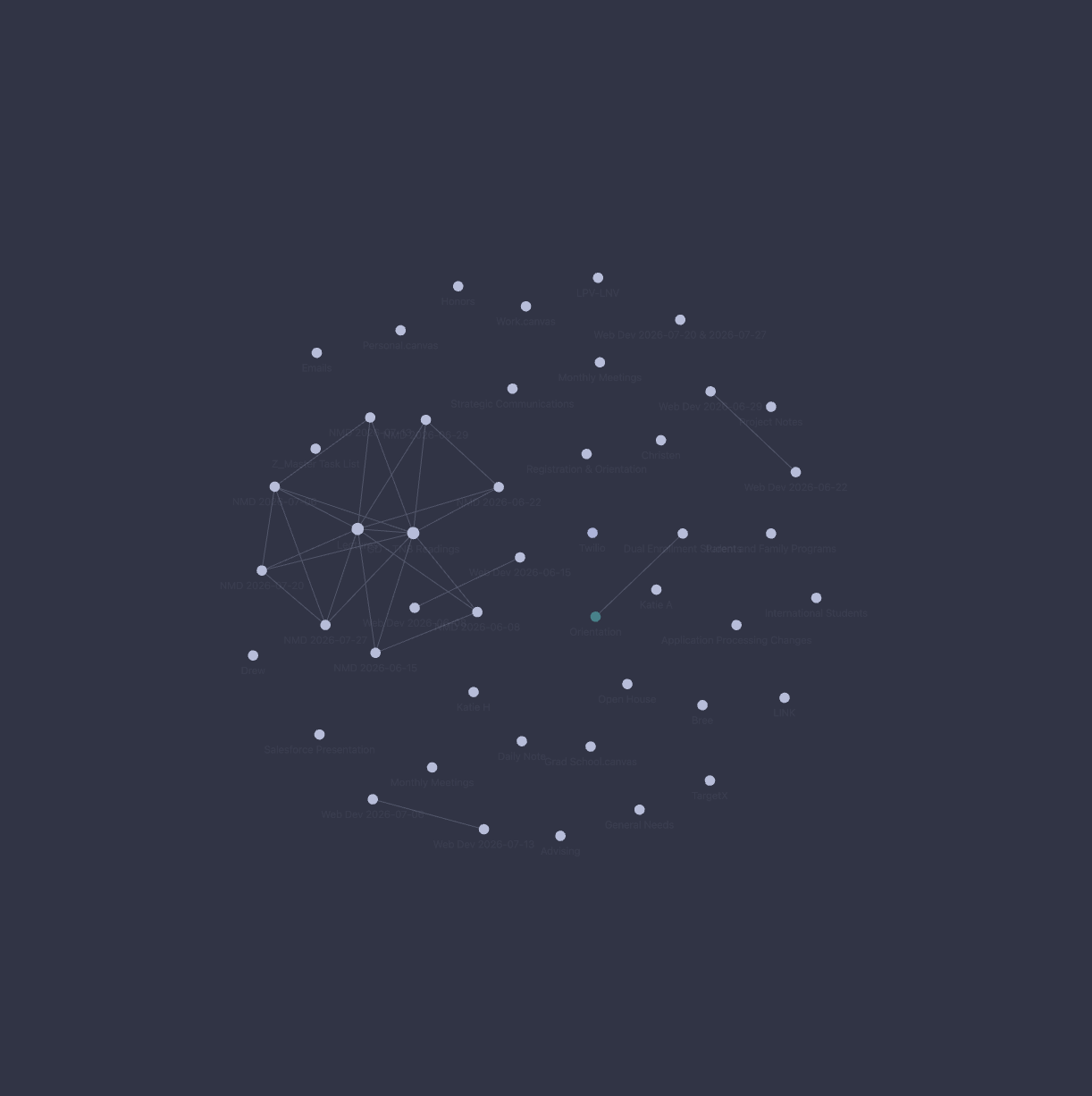
Graph
Visualize your linked notes in a graph, showing hidden patterns or connections you never would have considered.
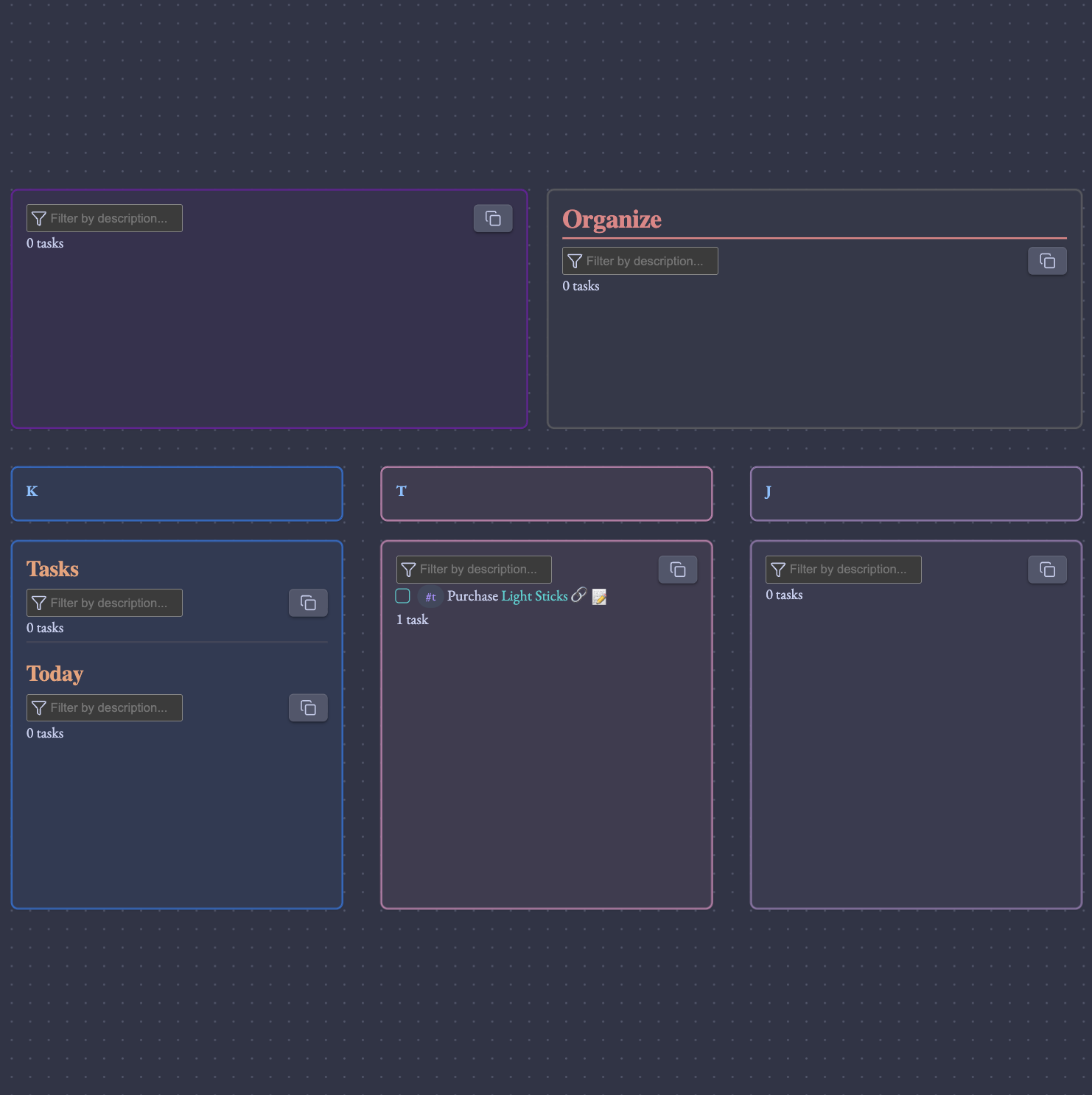
Canvas
Utilize the infinite canvas space to organize thoughts and ideas with flowcharts, diagrams, photos...anything you can imagine.
How the Canvas Works